Walk & look around
Use W A S D or the arrow keys to walk, and drag to look. Hold Shift to move faster. On a phone, use the thumb pad to move and drag with your other thumb to look.
A FIELD GUIDE TO THE EXPERIENCE
A residence in two chapters. Walk its rooms, change its character, and take a closer look at the details that make it yours.
Discover what’s inside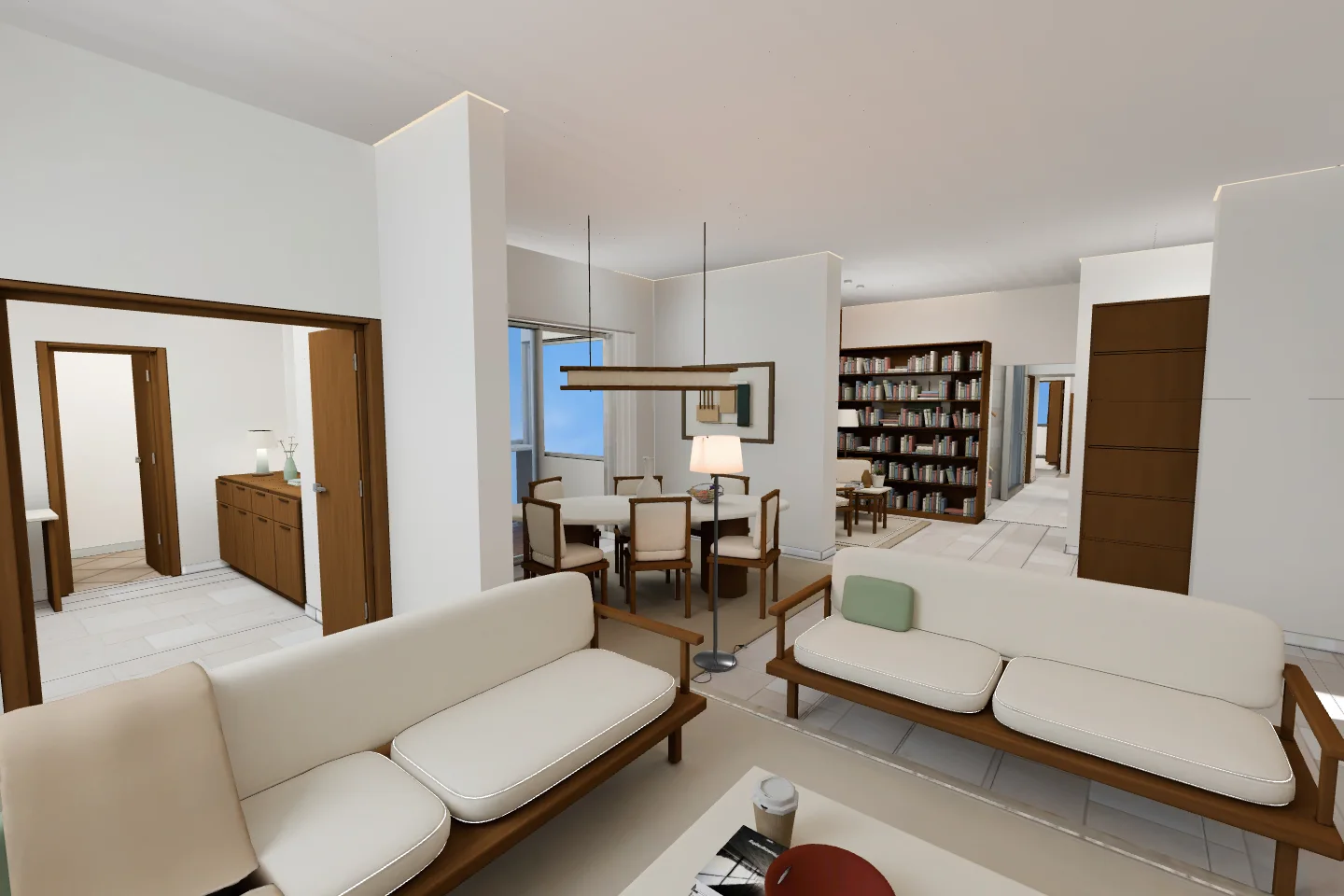
01 / CHANGE THE CHARACTER
Switch the complete furniture collection from Interiors in the tour. The view stays in place as the new style arrives with a soft transition.
Drag the vertical divider to compare. Tailored Prairie on the left. Botanical on the right.
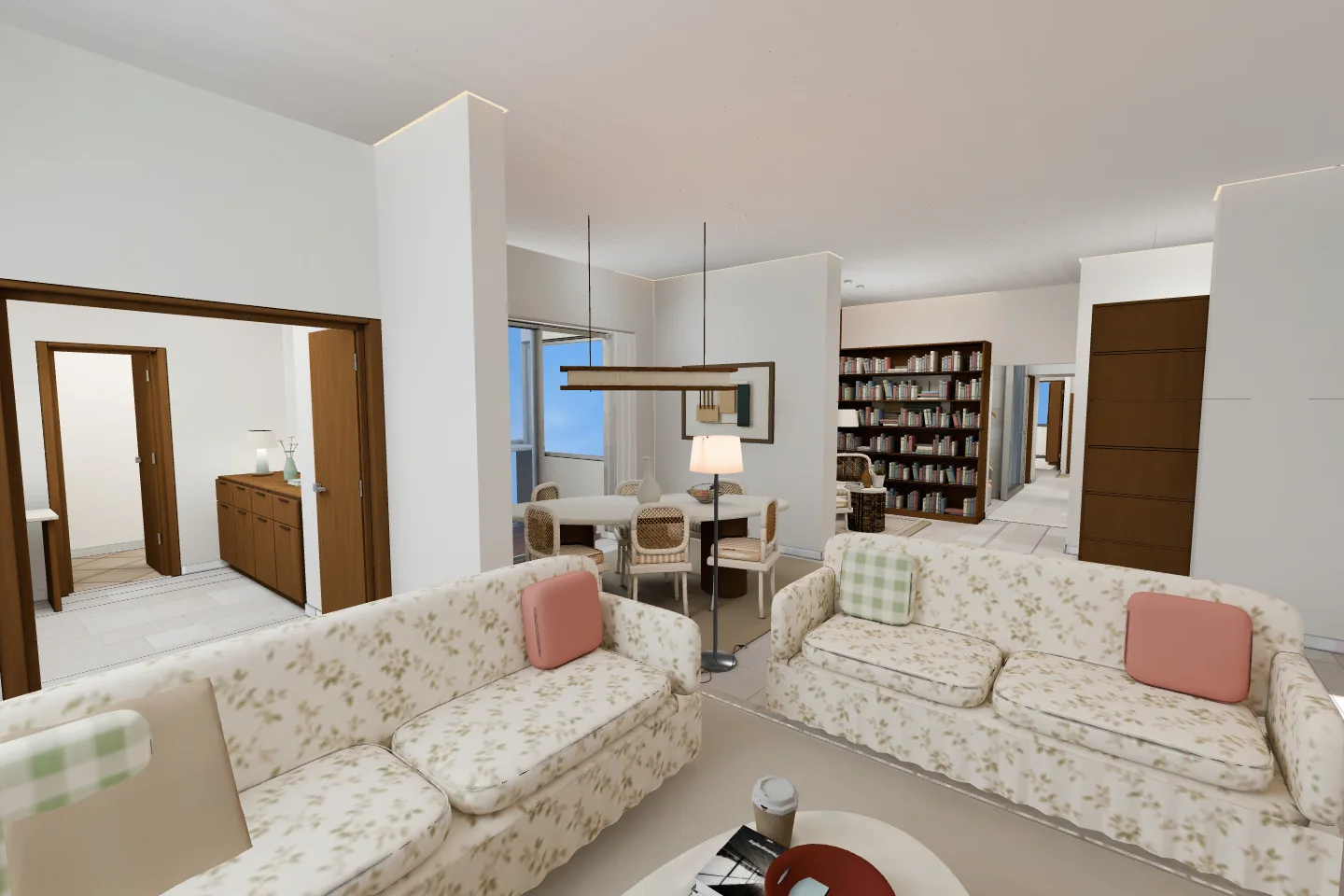 Tailored PrairieBotanical
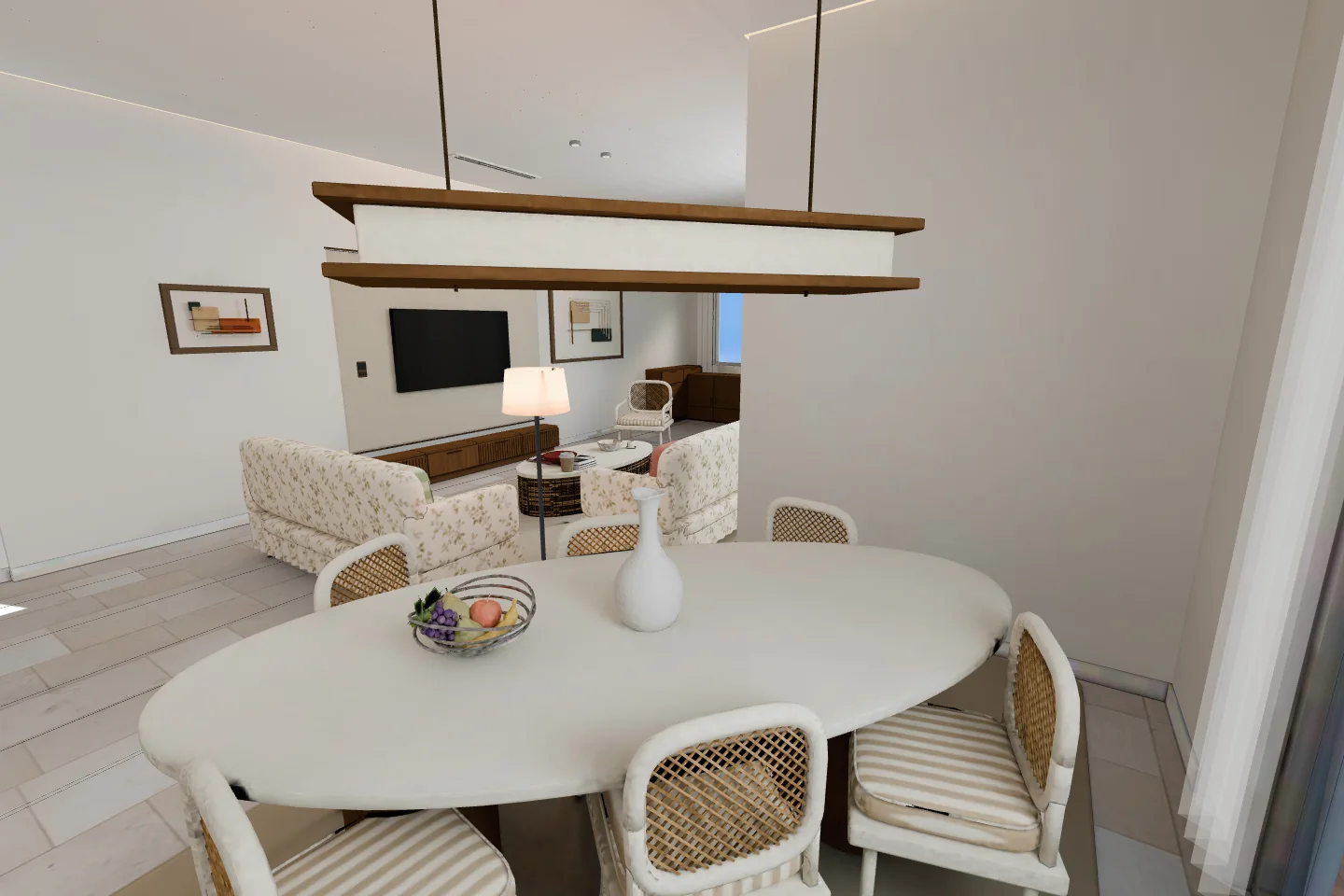
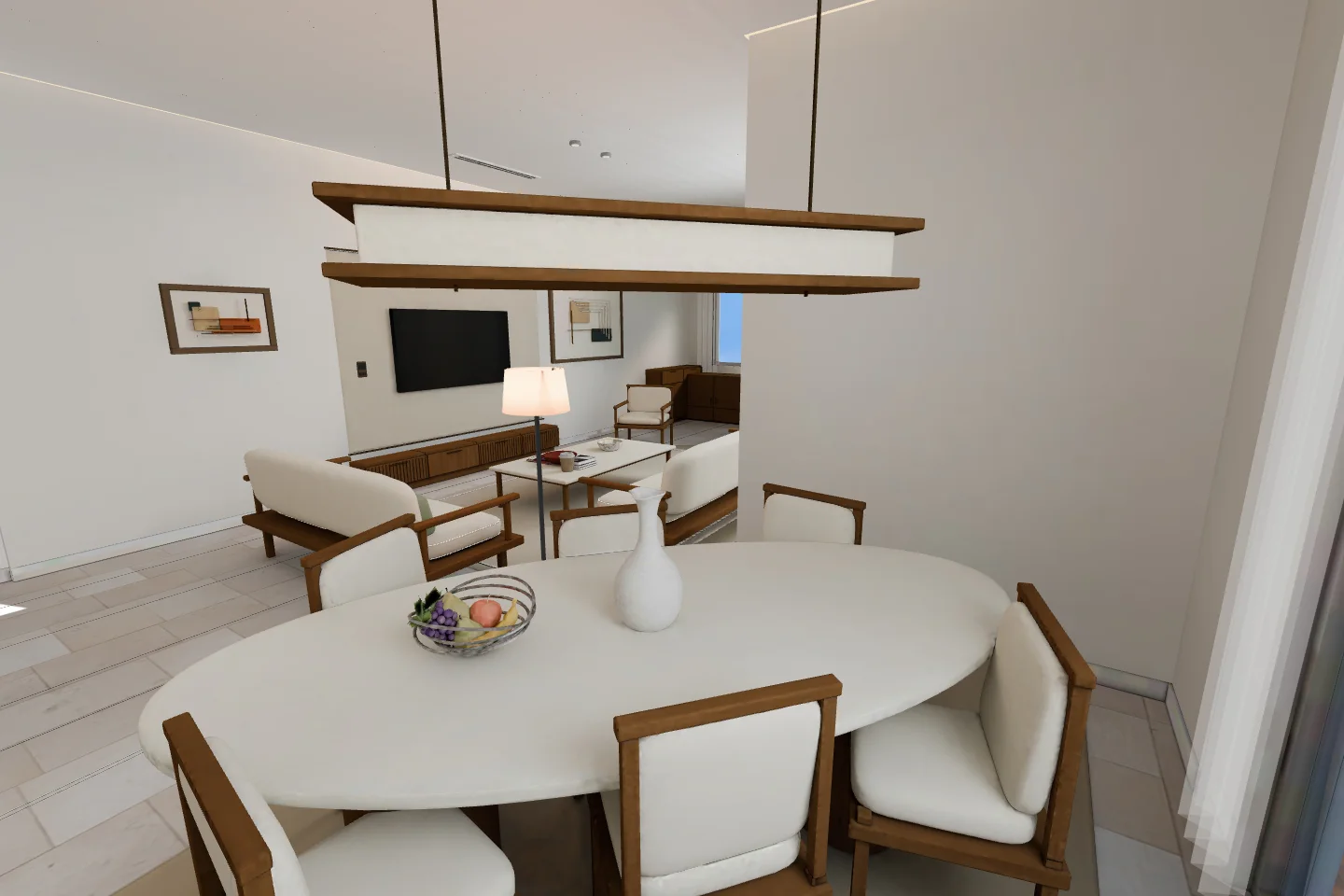 Tailored PrairieBotanical
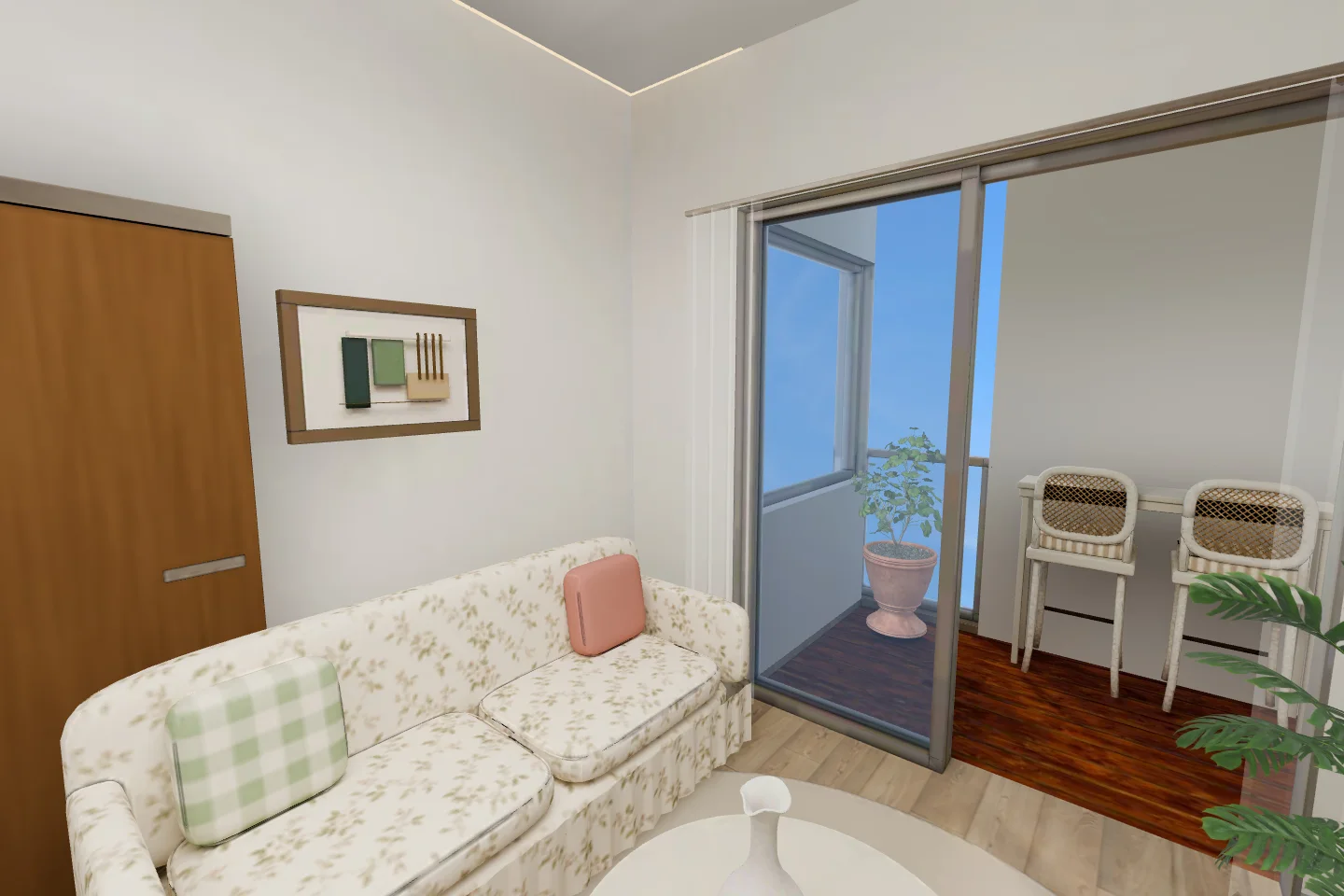
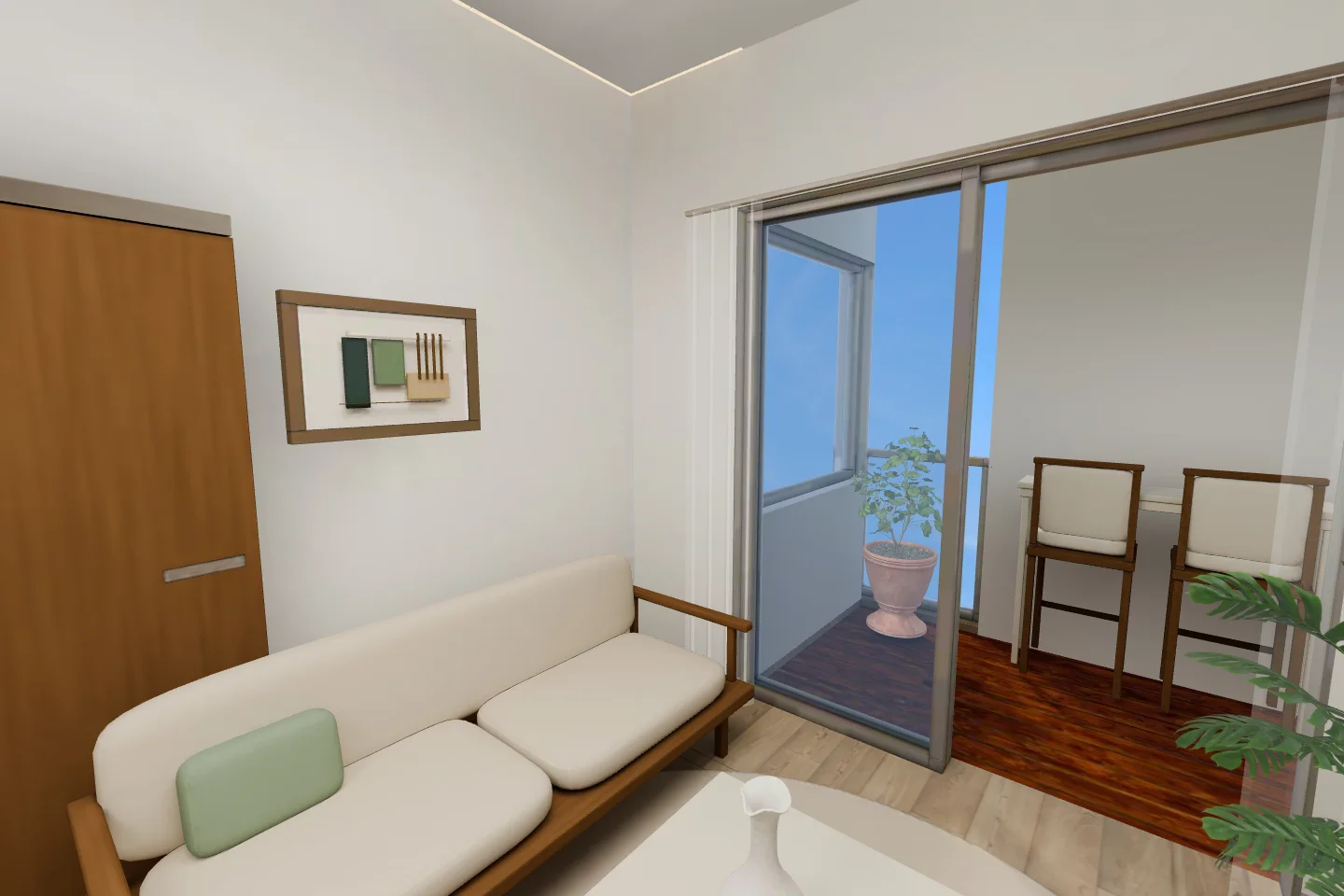 Tailored PrairieBotanical
Real Low-tour screenshots from matching viewpoints. Drag on desktop or touch; use the arrow keys when a comparison is focused.
02 / LIGHT, PATTERN & PRIVACY
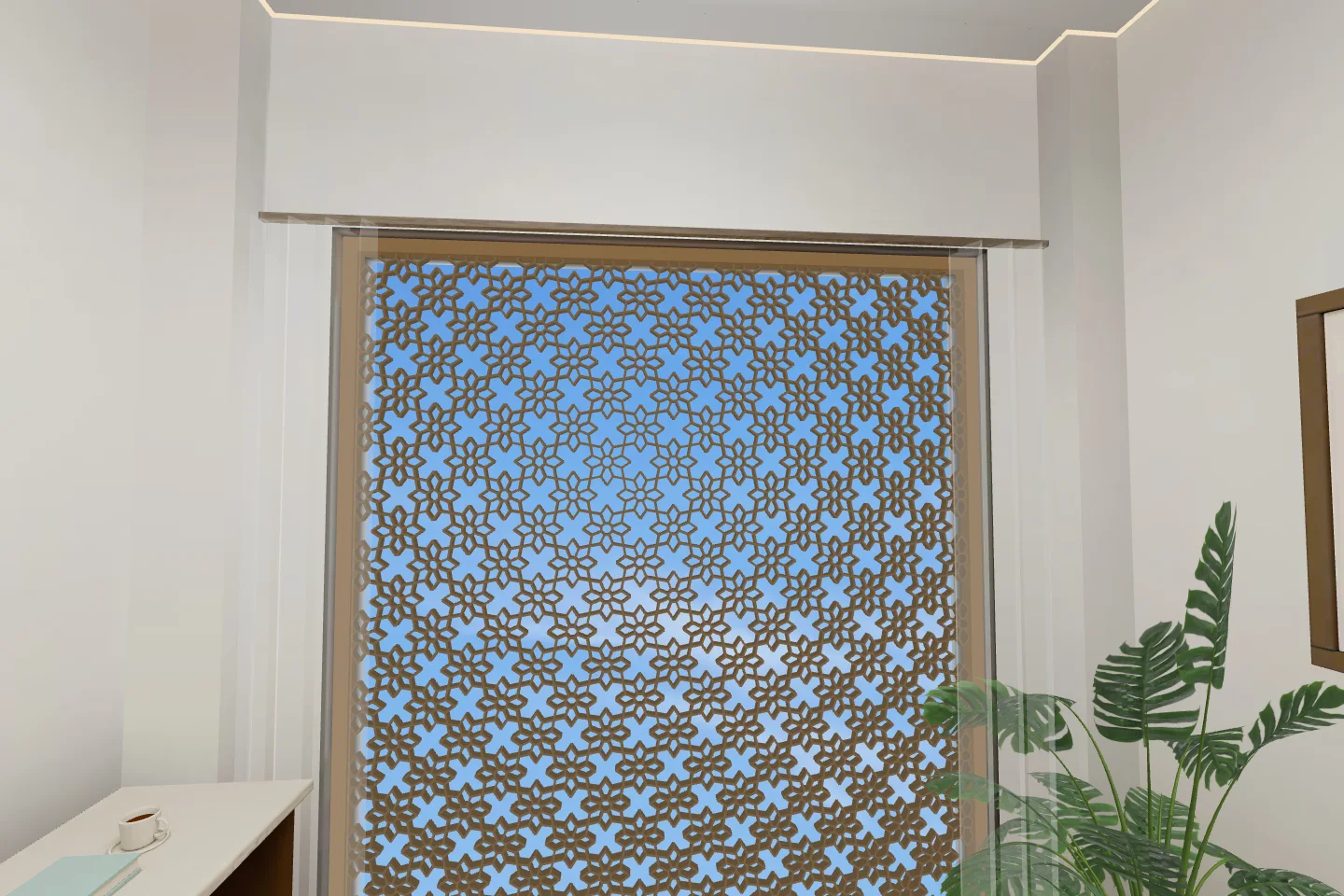
Fine rosettes, stepped geometry or a simple rhythm of timber. Explore five interpretations of the jali in the upstairs study.
Walk near the jali in the upstairs workspace and choose Jali design. Your selection changes all four screens across the home, and is remembered for your next visit.
Jali switching is available in both GLB quality modes. Previews here do not change your saved tour selection.
03 / MAKE YOURSELF AT HOME
Follow the room sequence or wander freely. The tour works with a keyboard and mouse, or touch controls on your phone.
Use W A S D or the arrow keys to walk, and drag to look. Hold Shift to move faster. On a phone, use the thumb pad to move and drag with your other thumb to look.
The bottom arrows take you through 13 destinations, from the gathering spaces below to the private rooms above. You can also walk up the central staircase.
Open Floor plan, choose a level and select a room to go directly there. Each room also has its own shareable link.
Toggle Wide for a broader view of the space, or use the fullscreen control where your browser supports it.
Select Low or High on arrival or from Interiors. Low has the smaller download; High uses larger textures. Quality and interior style are separate choices.
This guide uses Low-tour screenshots. Choose High in the tour for the detailed baked edition.
Open ? in the tour for the controls and a link to download the selected baked 3D model.
ANOTHER WAY TO EXPERIENCE THE SPACE
A separate Gaussian splat pilot explores a different rendering approach in the living room, dining room and library. It is an experiment with limited coverage; the complete home tour is the GLB experience.
Explore the pilot ↗THE BEST WAY TO UNDERSTAND A HOME